Approved answers
Prices, services and opening hours come from information you approve. It doesn't invent prices or slots.
Services / direct with Hamza
An assistant on your own WhatsApp Business number that answers common questions, offers open slots from your calendar, books clients in and sends reminders. Your team takes over when a request needs a person.
What's included
Built for clinics, salons and service businesses whose clients already ask for appointments on WhatsApp, often outside opening hours.
Prices, services and opening hours come from information you approve. It doesn't invent prices or slots.
The assistant reads availability from your calendar and offers the client a few real times.
It books the slot the client picks and sends a confirmation in the same conversation.
A reminder goes out before the appointment, so fewer clients forget.
Clients move or cancel their booking the same way, and the calendar follows.
Complaints, medical or unclear questions and anything outside the rules go to your team, with the conversation so far.
Try it
Pick a business, tap a suggestion or type your own message. The card beside the phone shows what your team would receive. It shows the conversation logic, not a client deployment.
Watch it book a client, then try it yourself.
Today
This business uses an automated assistant. A person can take over at any time.
Hello. This is Atlas Dental’s assistant. I can answer your questions and book your visit. How can I help?
How it works
A 30-minute call about your services, your booking rules and the questions clients ask most.
We check whether your number can be connected to the WhatsApp Business Platform and what changes on your phone if it is.
Approved answers, services, opening hours and what must always go to a person, written down and agreed.
I build the flow on your WhatsApp Business account and connect it to your calendar, sheet or booking tool.
Each flow is tested with real messages in the languages your clients write in before it answers anyone.
The assistant goes live with documentation, access for your team and a simple way to pause it.
Typical timeline
Indicative ranges. The real timeline depends on WhatsApp Business account approval, your booking tool and how fast test feedback comes back.
What I need from you
Integrations
Runs on your business's own account on Meta's WhatsApp Business Platform. Meta's WhatsApp fees are billed separately by Meta.
Open slots read from your calendar, and bookings written back to it.
Bookings saved as rows your team can filter, if you work from a sheet.
A booking tool that offers an API. We check yours before the quote.
Proof
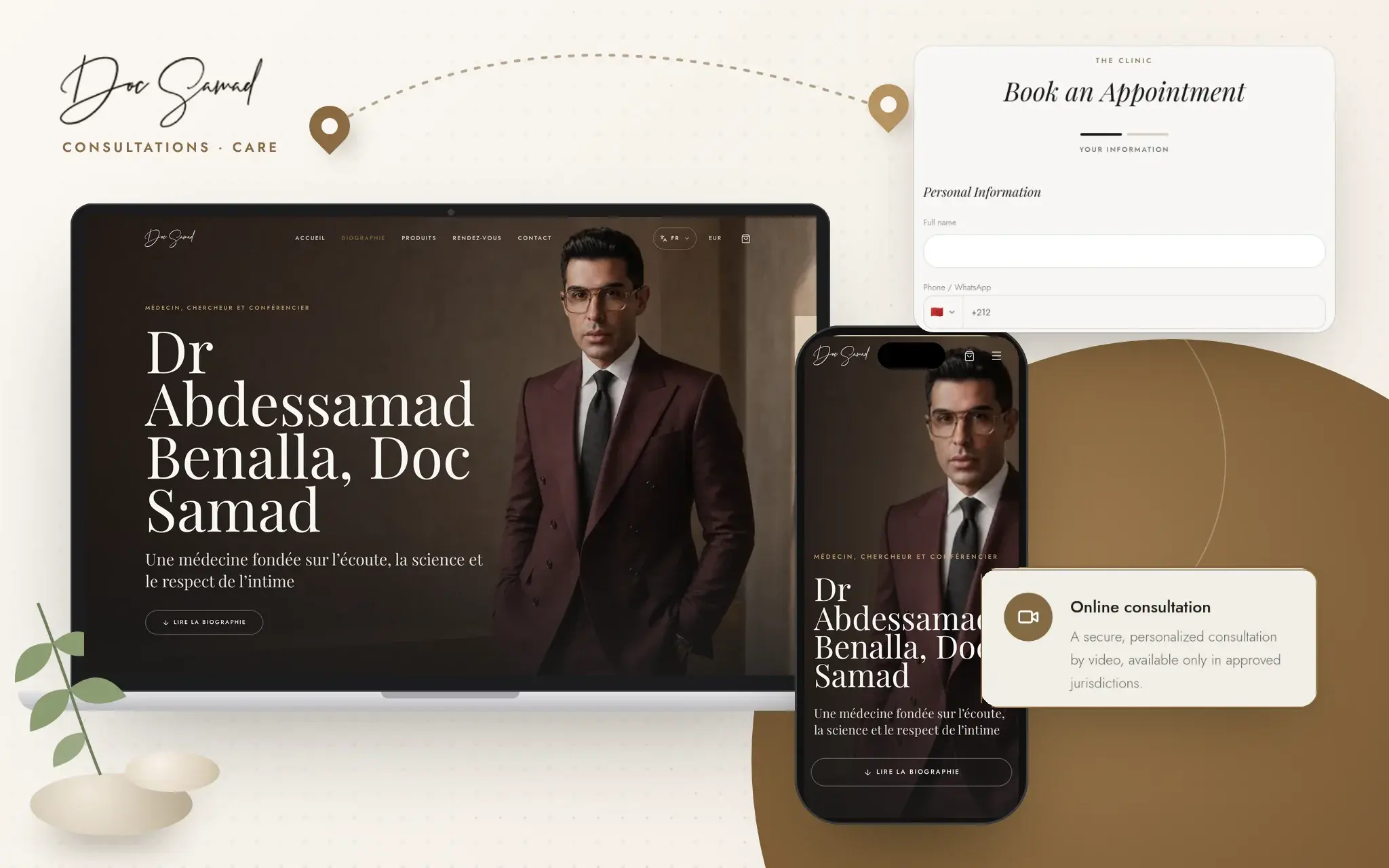 Doc SamadConsultation booking connected to appointment availability, in French, English, Italian and Arabic.Open the project
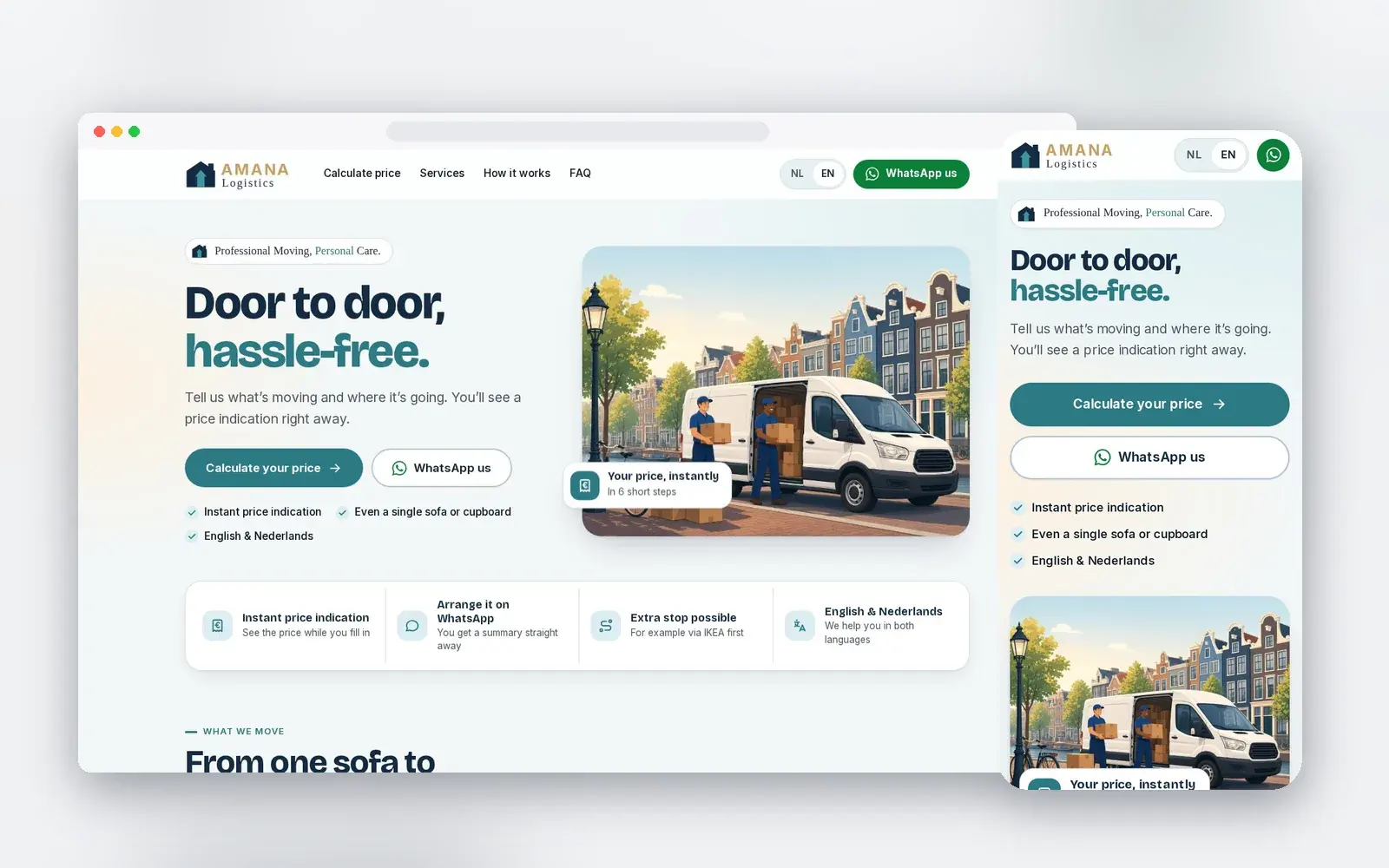 Amana LogisticsMoving requests reach the team on WhatsApp complete, with a reference number. The WhatsApp intake assistant runs in a test environment and is not yet live with customers.Open the project
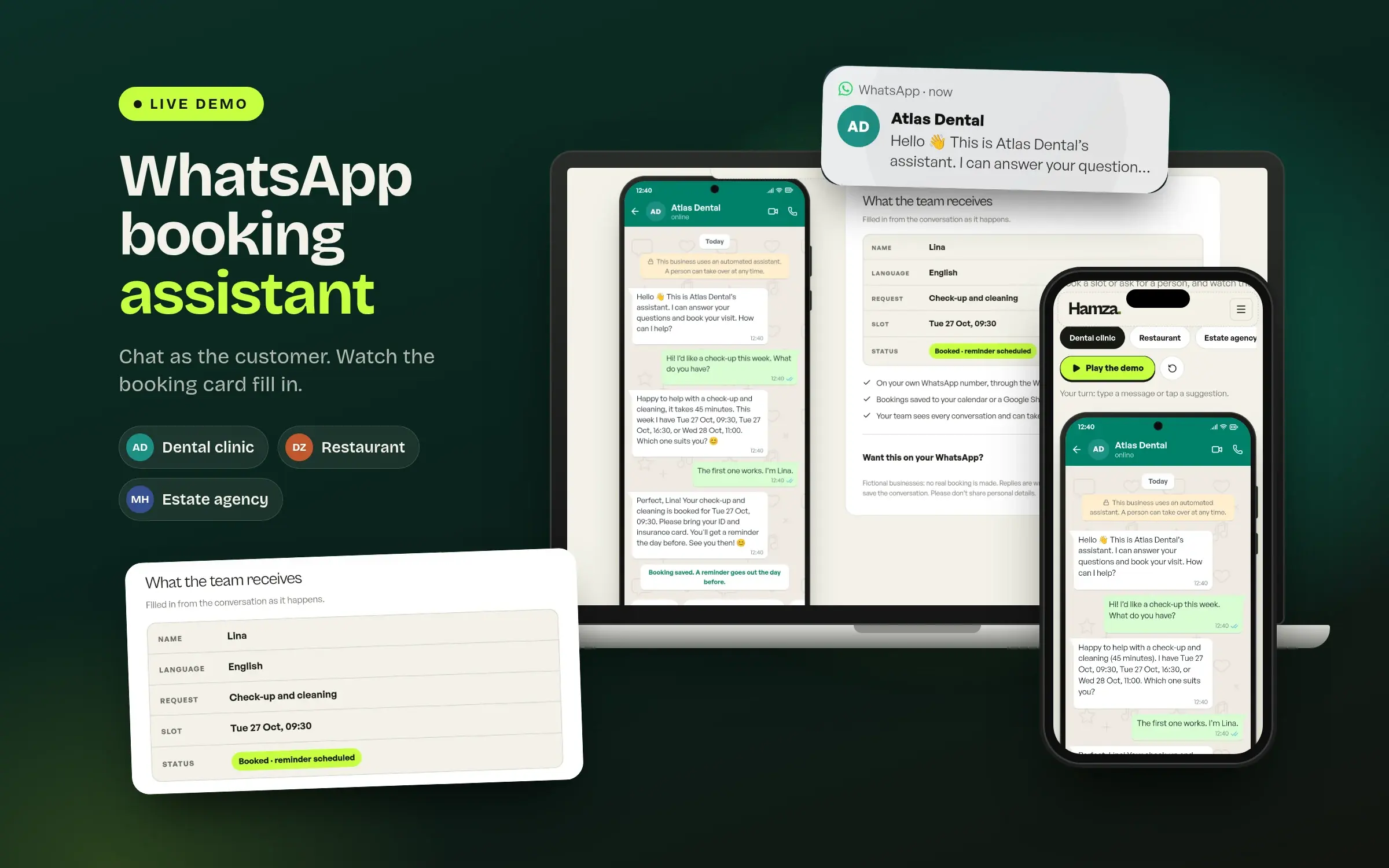 Browser demoA live demo you can play as the customer: answers, open slots, a booking or a handoff.Open the project
Questions
Yes. The assistant offers open slots from your calendar, books the one the client picks and sends a confirmation. Reminders go out before the appointment, and clients can reschedule or cancel the same way.
Usually, yes. We first check whether your number can be connected to the WhatsApp Business Platform and what changes on your phone if it is.
Google Calendar or a Google Sheet, or a booking tool that offers an API. We check yours before the quote.
English, French and Arabic flows are tested first with your real messages. Other languages are added after the same testing.
It hands the conversation to a person on your team. Prices, slots and anything outside the approved answers are never made up.
Yes. I work remotely from Casablanca (GMT+1) for businesses in Europe and the Gulf, with payment in EUR or USD.
Next step
Book a 30-minute call or send a message on WhatsApp. You leave with a scoped first assistant, whether or not we work together.