Services / direct with Hamza
WhatsApp CRM automation for Moroccan businesses
Hamza EL HAISSOUF builds WhatsApp automation systems in Morocco for lead capture, customer support, qualification, CRM updates, booking flows, and AI-assisted business operations.
Key facts
- Who
- Hamza El Haissouf, freelance developer
- Where
- Casablanca, Morocco · remote worldwide
- Languages
- French, English, Arabic
- Price
- Quoted after a short call, based on scope
- Reply time
- Usually within a few hours on weekdays
- Last updated
« Un partenaire fiable et impliqué, que je recommande avec confiance. »
The problem
For many Moroccan businesses, WhatsApp is the real sales channel. I build systems that turn WhatsApp messages into qualified leads, structured data, CRM records, notifications, and follow-up workflows.
CRM × WHATSAPP · THE WORKFLOW EXPLAINED
One conversation.
A clear next step.
Your prospects reach out on WhatsApp. I connect their enquiries to your CRM so your team can find the need, the context and the next action in one place.
- Questions tailored to your business.
- A structured contact record without copying every exchange.
- A person takes over for the important decisions.
One concrete need, a clear scope, then a prototype you can test.
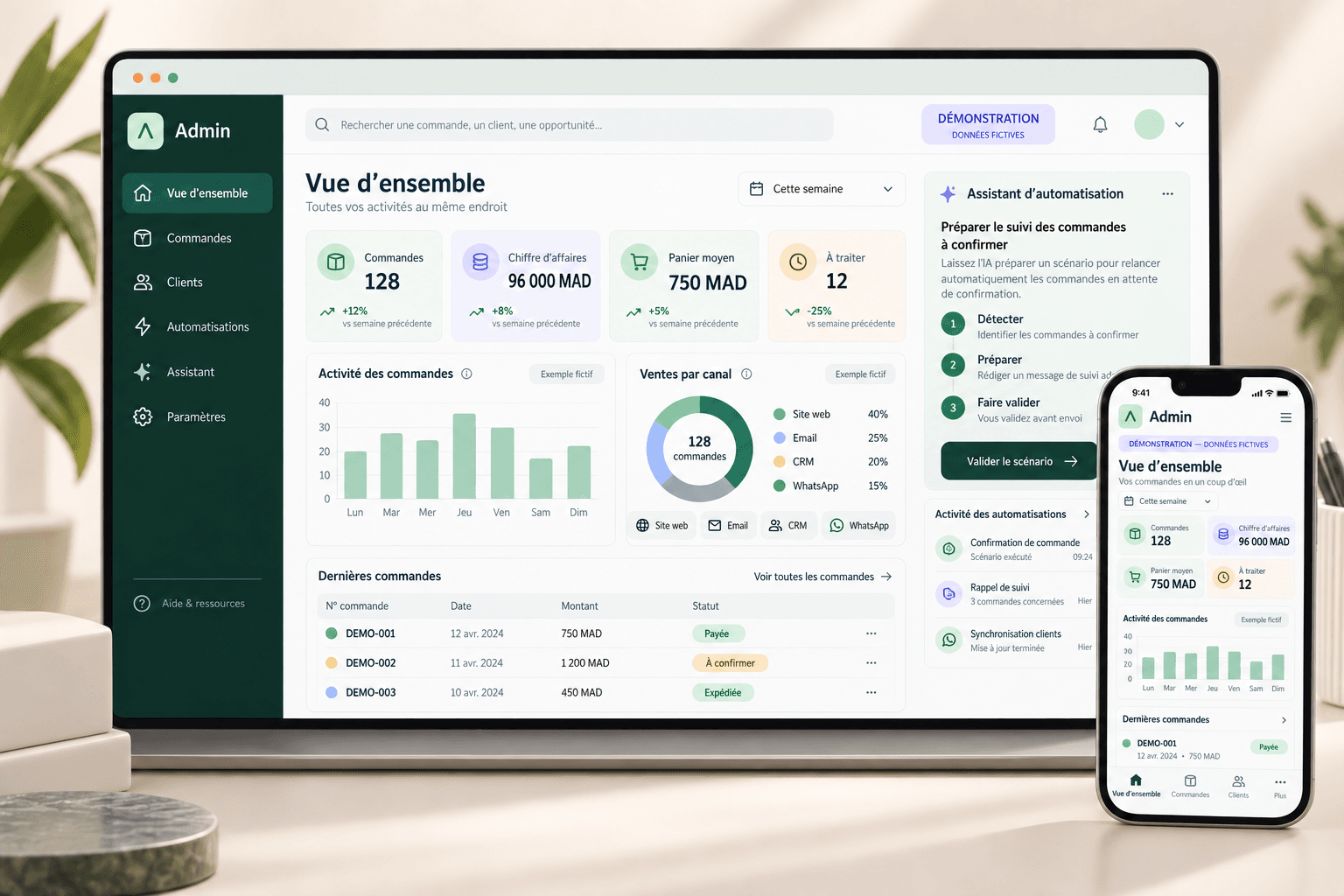
Illustrative use case. Interfaces and data are fictional; no measured client results are claimed.
One enquiry. A clear path.
The assistant gathers context. The CRM keeps the next step visible. Your team takes it from there.
- 01A natural first contact.WhatsApp
A prospect sends a message about what they need.
- 02A guided conversation.Useful questions
The assistant asks for the details your team needs.
- 03Context in one place.CRM record
The enquiry is organised for the right person to review.
- 04People stay in control.Human handoff
Your team takes over before making decisions or commitments.
AI prepares. Your team decides.
- 01
The first message
An enquiry arrives on WhatsApp: a quote, a service or availability. The workflow starts with the expressed need.
- 02
The right questions
The assistant asks for useful context. If information is missing or the request needs care, it hands over to a person.
- 03
Context in your CRM
The integration creates or updates the record: need, status, owner and next action. The rules depend on your tools.
- 04
Your team decides
A person reviews the information, prepares the reply and approves quotes or commitments. AI supports the follow-up.
01 / What this includes
What this includes
- 01
WhatsApp lead capture flows
- 02
AI answers for customer support
- 03
CRM and Google Sheets integrations
02 / How we work
How we work
- 01
Map the conversation
- 02
Define CRM fields
- 03
Build and test
Who this is for
- Moroccan businesses selling through WhatsApp
- Restaurants, clinics, schools, and service providers
- Teams that need faster qualification and follow-up
Typical projects
- WhatsApp lead capture
- Booking assistant
- Support triage
- CRM update and owner notifications
03 / A useful first scope
A useful first scope
Starting from one conversion flow connected to tracking and notifications.
04 / What shapes the quote
What shapes the quote
The quote depends on the WhatsApp provider, CRM, message volume, and follow-up rules.
05 / Relevant work
Relevant work
See the project record for the exact role, delivery state, and limits of this example.
06 / FAQ
Questions before you start
Can WhatsApp be automated for sales in Morocco?
Yes. WhatsApp can be automated for lead capture, qualification, quote requests, booking flows, customer support, and CRM updates while keeping a human handoff when needed.
Does WhatsApp automation replace human sales?
No. The best WhatsApp automation removes repetitive work and prepares qualified context so the business owner or sales team can respond faster.
Can the chatbot answer in French, Arabic, or Darija?
Yes. WhatsApp AI workflows can be configured for French, Arabic, Darija-style messages, or bilingual support depending on the business.
Discuss your project
Tell me what you need. I'll suggest a useful first step.
Send a few lines about your goal, current tools, and timeline.
Project brief
Send a short project brief
Tell me what you need in a few lines. I'll reply with a useful next step.