Building AI-Powered Features with the Claude API: A Practical Guide
A practical guide to integrating Claude API into real applications — authentication, prompt design, structured outputs, error handling, and cost management.

Hamza El Haissouf
2 min readUpdated EN

Key takeaways
- Put the exact JSON schema in the system prompt and ask for valid JSON every time.
- Validate each response with a schema validator such as zod or ajv before the rest of your code uses it.
- For analytical tasks, keep the temperature between 0.2 and 0.3 and add few-shot examples when the output is complex.
- To score something on several criteria, let Claude score each dimension and combine the scores with weights in your own code.
- Handle errors by status: exponential backoff for a 429 rate limit, a cached response or a queue for a 529 overload.
Short answer
Call the Messages API through Anthropic's SDK and design for predictable output: put the exact JSON schema in the system prompt and validate every response. Then control cost and failures with Haiku for simple tasks, a tight max_tokens, cached system prompts and exponential backoff on rate-limit errors.
Getting Started: API Key & SDK Setup
# Node.js
npm install @anthropic-ai/sdk

# Python
pip install anthropic
import Anthropic from '@anthropic-ai/sdk';

const client = new Anthropic({
  apiKey: process.env.ANTHROPIC_API_KEY,
});
Your First API Call
const message = await client.messages.create({
  model: "claude-sonnet-4-20250514",
  max_tokens: 1024,
  messages: [
    { role: "user", content: "Analyze this job listing for red flags: ..." }
  ],
});

console.log(message.content[0].text);
Prompt Engineering for Reliable, Structured Outputs
The key to production-grade AI features is predictable output. Always request JSON:
const response = await client.messages.create({
  model: "claude-sonnet-4-20250514",
  max_tokens: 2048,
  system: `You are a job listing analyzer. Always respond in valid JSON.
  Schema: { "risk_score": number (1-100), "flags": string[], "summary": string }`,
  messages: [{ role: "user", content: jobDescription }],
});

const analysis = JSON.parse(response.content[0].text);
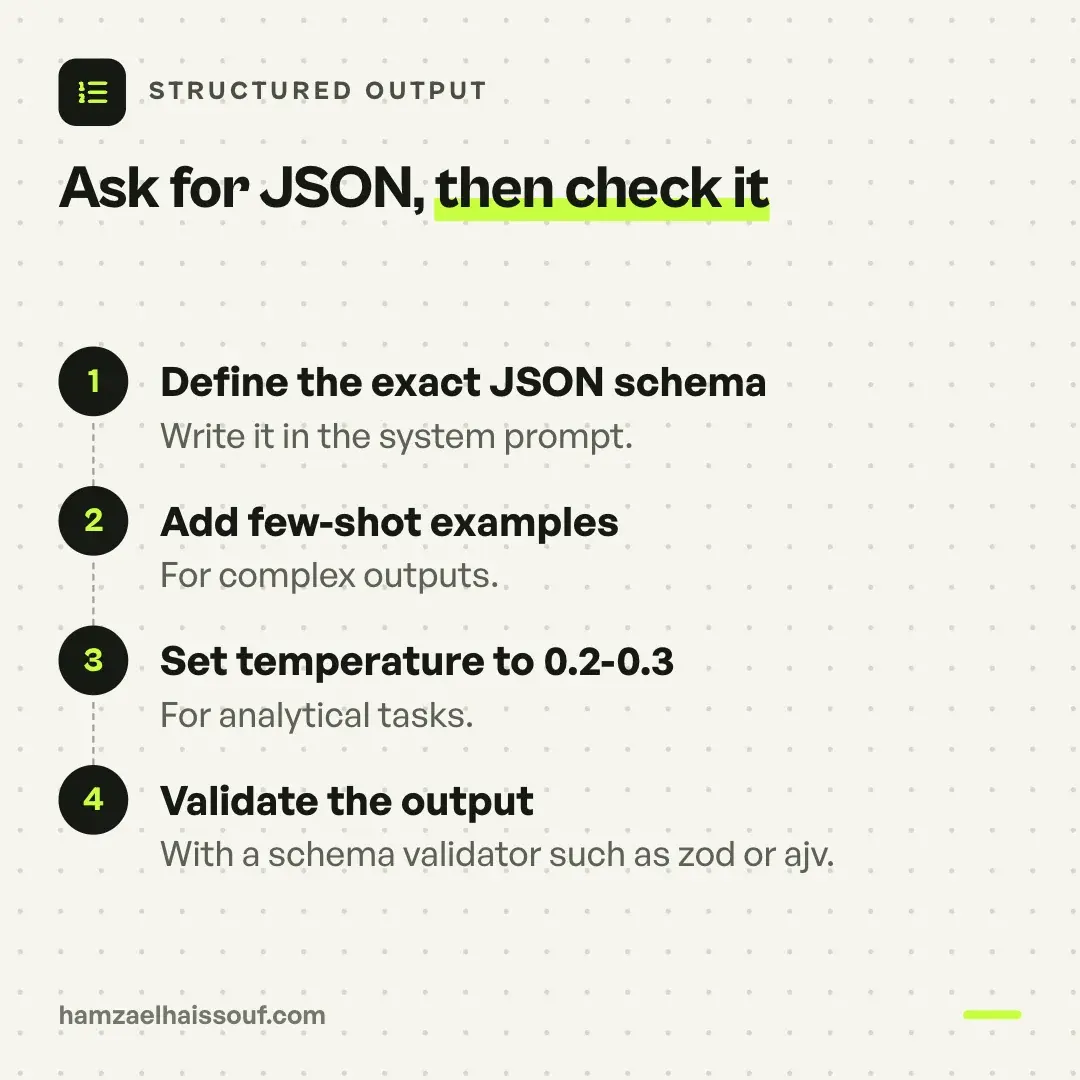
Tips for reliable structured output:
- Define the exact JSON schema in the system prompt
- Use few-shot examples for complex outputs
- Set temperature to 0.2-0.3 for analytical tasks
- Validate the output with a schema validator (zod, ajv)
Building a Scoring Engine (Jobisque Example)
In Jobisque, Claude scores job listings across 5 dimensions. The trick is using weighted scoring:
const weights = {
  requirements_realism: 0.25,
  compensation_transparency: 0.20,
  company_legitimacy: 0.25,
  role_clarity: 0.15,
  red_flag_language: 0.15,
};

const overallScore = Object.entries(scores).reduce(
  (total, [key, value]) => total + value * weights[key], 0
);
Cost Management
| Model | Input (1M tokens) | Output (1M tokens) |
|---|---|---|
| Claude Haiku 4.5 | $0.80 | $4.00 |
| Claude Sonnet 4.6 | $3.00 | $15.00 |
| Claude Opus 4.6 | $15.00 | $75.00 |
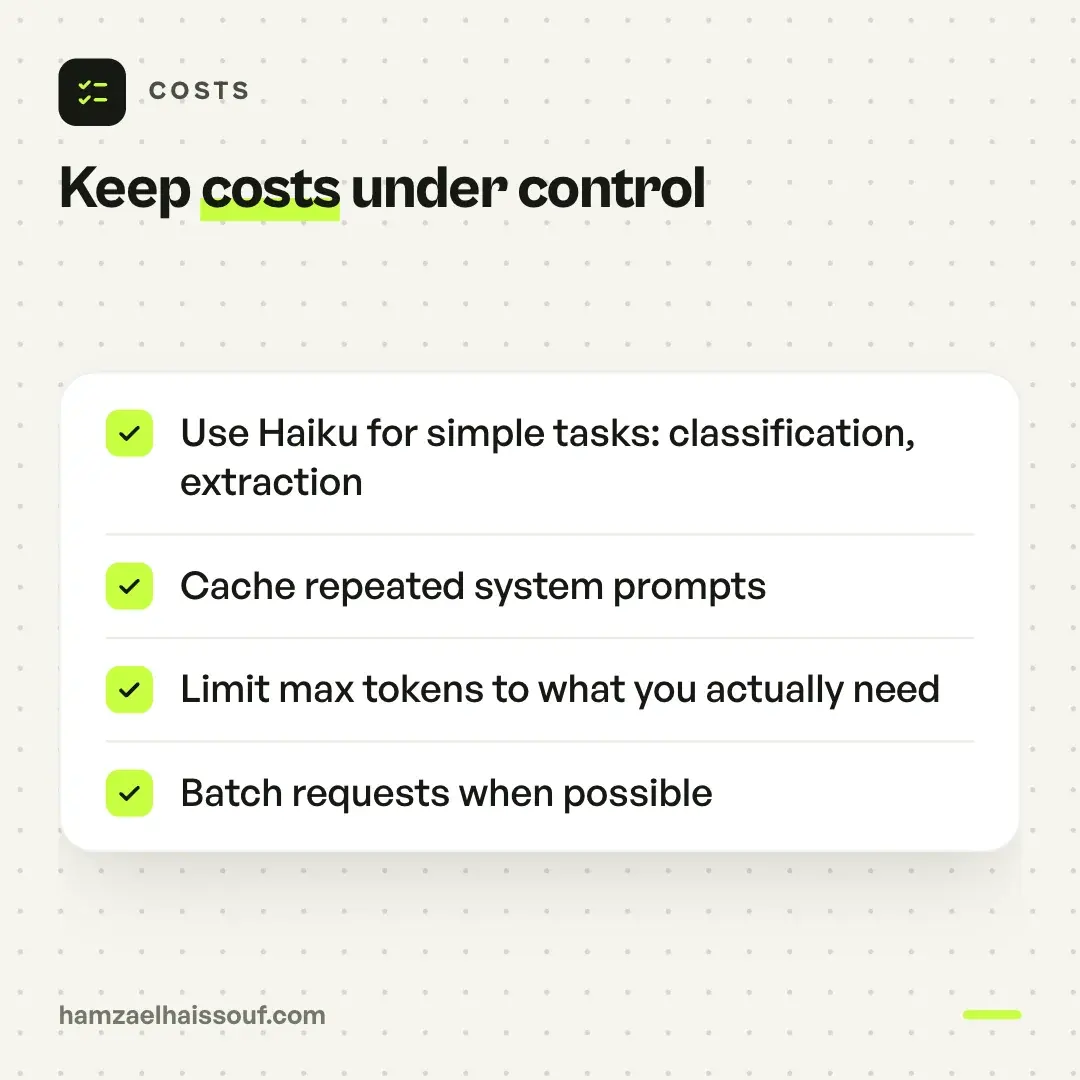
Cost optimization strategies:
- Use Haiku for simple tasks (classification, extraction)
- Cache system prompts — Anthropic's prompt caching reduces costs by up to 90% for repeated system prompts
- Limit max_tokens to what you actually need
- Batch requests when possible
Error Handling in Production
try {
  const response = await client.messages.create({ ... });
} catch (error) {
  if (error.status === 429) {
    // Rate limited — implement exponential backoff
    await sleep(Math.pow(2, retryCount) * 1000);
  } else if (error.status === 529) {
    // API overloaded — fallback to cached response or queue
  }
}
Want AI integrated into your product? Book a call and let's scope it.
Frequently asked questions
How do I install the Claude API SDK?
For Node.js, run npm install @anthropic-ai/sdk; for Python, pip install anthropic. Then create a client with your API key read from the ANTHROPIC_API_KEY environment variable, and send your first request with client.messages.create.
How do I get structured JSON output from Claude?
Define the exact JSON schema in the system prompt and tell the model to always respond in valid JSON. Add few-shot examples for complex outputs, then parse the text and check it with a validator such as zod or ajv.
Which Claude model should I use for simple tasks?
Haiku, for tasks such as classification and extraction. Sending simple work to Haiku is the first cost-saving step in this guide.
How can I lower the cost of Claude API calls?
Use Haiku for simple tasks, cache the system prompts you repeat, limit max_tokens to what you actually need and batch requests when possible. Anthropic's prompt caching reduces costs by up to 90% for repeated system prompts.
What do Claude API errors 429 and 529 mean?
429 means you are rate limited: wait and retry with exponential backoff. 529 means the API is overloaded: fall back to a cached response or put the request in a queue.

Hamza El Haissouf
Full-stack developer for 6 years · Morocco
I build WhatsApp assistants and websites for private clinics and logistics companies. Remote, in English and French.
Related reading